 YouTube Dislike Counter
 Dislike Extension in Chrome, Edge and Firefox: What Differs
A YouTube dislike extension behaves slightly differently depending on which browser you install it in — not because the extension changes, but because the browsers do. Here is what actually differs across Chrome, Edge and Firefox, and what stays the same.
The same job in all three
In every browser the extension does one thing: it reads the video you are watching, looks up the dislike figure, and writes it into the page next to the like button. The number appears where YouTube used to put it, on regular videos and on Shorts. Nothing about the count itself changes between browsers — it comes from the same place regardless.
| Chrome | Edge | Firefox | |
|---|---|---|---|
| Extension platform | Manifest V3 | Manifest V3 | Manifest V3 |
| Works on Shorts | Yes | Yes | Yes |
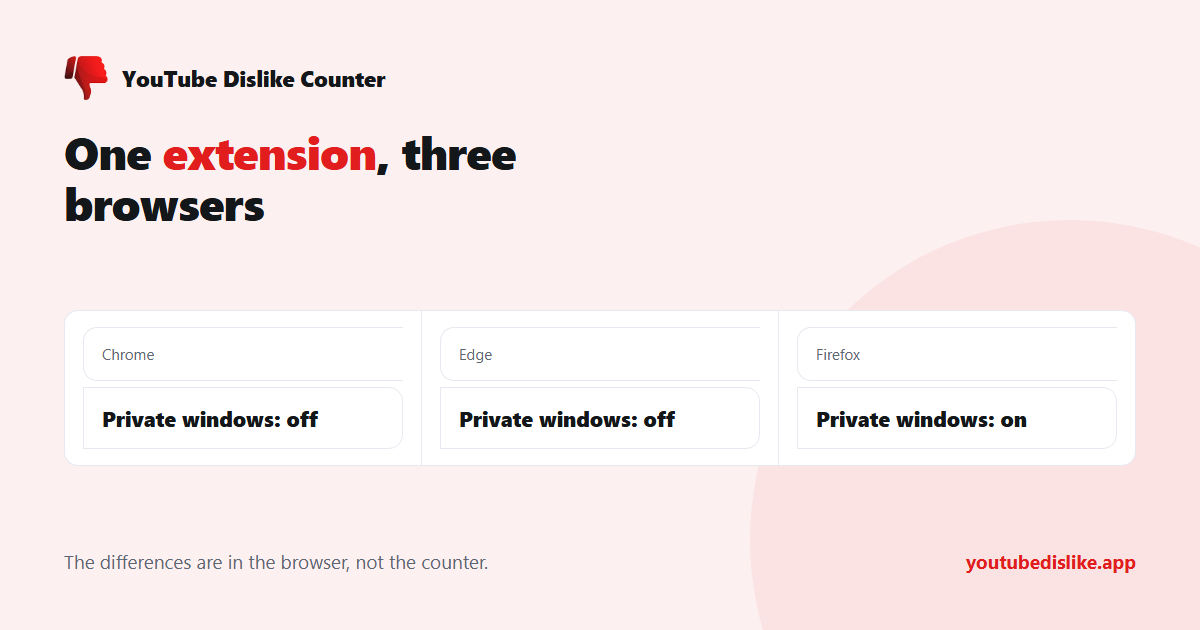
| Private windows | Off by default | Off by default | Off by default, offered at install |
| Updates | Automatic | Automatic | Automatic |
| Store review time | Days | Days | Hours to days |
Chrome
The default experience, and the one most guides assume. One thing catches people out: after installing, tabs that were already open keep running the old page code. If you install the extension while a video is open, that video will look unchanged until you reload it. Every tab opened afterwards is fine.
Edge
Edge runs the same extension platform as Chrome, so behaviour is identical. Two practical notes. Edge has its own add-ons store with its own review queue, so the version number there is sometimes a step ahead of or behind Chrome’s. And if you installed a Chrome-store extension into Edge rather than the Edge version, updates come from Google’s servers, which is worth knowing if you ever wonder why it is not updating.
Firefox
Firefox handles private windows the same way in principle — extensions stay out of them until you allow it — but it asks up front: the confirmation shown after installing has a checkbox to let the add-on run in private windows. Miss it and the setting is still there later, under the extension in about:addons. In Chrome and Edge the equivalent switch is on the extension’s details page, labelled for Incognito or InPrivate.
Firefox also reviews add-ons faster than the other two stores, so fixes tend to land there first.
Checking which version you have
Worth knowing how to do this, because “it stopped working” and “it is three versions behind” look identical from the outside.
- Chrome: open
chrome://extensions, switch on Developer mode, and the version appears under the extension name. - Edge:
edge://extensions, then Details on the extension. - Firefox:
about:addons, then the extension, then Details.
All three browsers update extensions on their own, usually within a day or two of a release, so a version that has fallen behind normally means updates are disabled or the browser has not been restarted in a long time. Compare what you see against the version listed on the store page; if they match, the extension is current and the problem is elsewhere.
When the browser is not the problem
If the count is missing in one browser but present in another, the browser is rarely at fault. In order of how often it turns out to be the cause:
- The extension is off in private browsing. The most common single cause, in all three browsers.
- A second dislike extension is installed. Two extensions writing to the same spot on the page will fight, and the result is usually neither number appearing — why two dislike extensions break each other.
- The tab predates the install. Reload it.
- The video has no data. Nothing is shown rather than a fabricated zero, which can look like a failure but is not one.
If none of those apply, the dislike checker is a quick way to tell the two possibilities apart: if the checker has a number for that video and the extension does not show it, the problem is the extension; if the checker is blank too, there is simply no data for that video yet. The full checklist is in dislike counter not working?
Frequently asked questions
Which browser should I use it in?
Whichever you already use. The counter behaves the same in all three.
Is there a Safari version?
No. Safari uses a different extension system that requires distribution through Apple’s store.
Can I use it on Android or iPhone?
Most mobile browsers do not run desktop extensions; Firefox for Android is the main exception. Otherwise paste the video link into the dislike checker in your phone’s browser. Both routes are covered in how to see dislikes on YouTube mobile.
Does installing it slow YouTube down?
Not noticeably. It makes one small lookup per video and writes a number into a page that has already loaded.
+ Chrome + Edge + Firefox YouTube Dislike Checker →
YouTube is a trademark of Google LLC. This website and the extension are independent projects and are not affiliated with, endorsed by, or sponsored by Google LLC or YouTube. The trademark is used only to describe compatibility.