 YouTube Dislike Counter
 Dislike Counter Not Working? Five Fixes
The number was there yesterday and today the button row is empty. A dislike counter not working almost always comes down to one of five things, and the first one fixes it for most people in about two seconds.
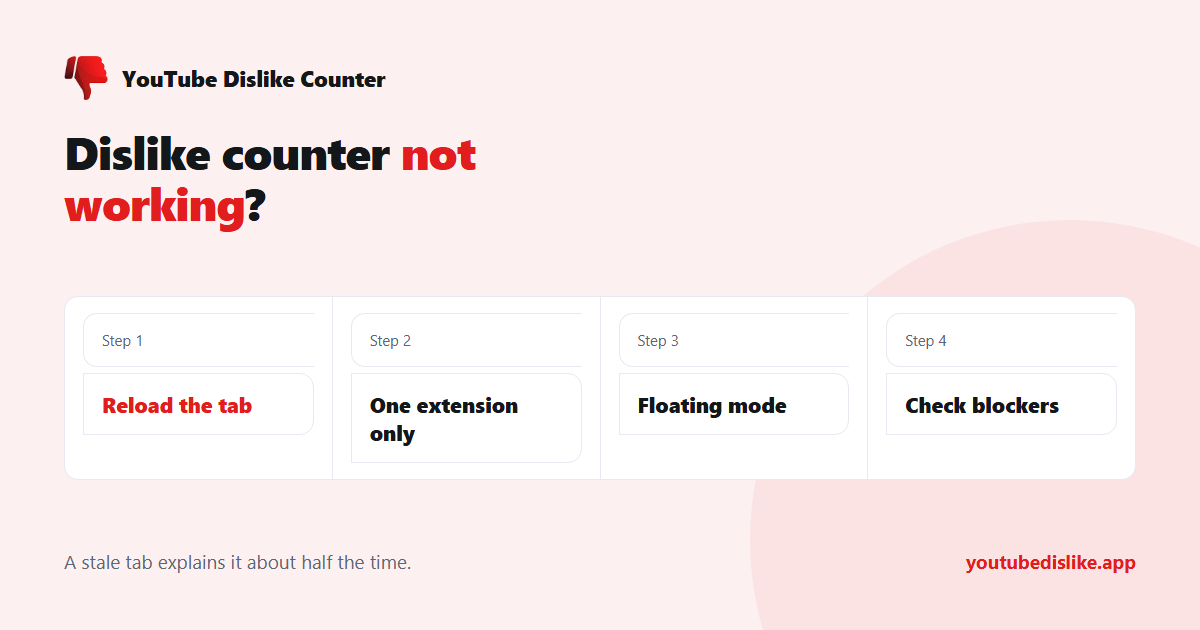
1. Reload the tab
This is the fix roughly half the time. A tab that was already open when you installed or updated the YouTube dislike extension keeps running the old script until it is reloaded. YouTube pages are long-lived — people leave them open for days — so this happens constantly.
Press F5, or close and reopen the tab. If the count reappears, that was it.
2. Two dislike extensions are fighting
If you have both this extension and another one installed, they write into the same button row. The result is a number that appears twice, flickers, or vanishes as each overwrites the other.
Open your browser’s extensions page and disable one of them. Keep whichever you prefer — but keep only one. The full explanation is in what happens with two dislike extensions at once.
3. YouTube changed its layout
YouTube reshuffles its markup regularly, and an extension that looks for a specific element can lose track of it. Good extensions look for the button row in several ways and refresh their selectors rather than breaking until the next release, but a big enough change still shows through.
Two things help here: make sure the extension is up to date, and switch to floating mode, which does not depend on YouTube’s buttons at all.
| Symptom | Most likely cause | Fix |
|---|---|---|
| No number at all, tab open a while | Stale tab | Reload |
| Number appears twice or flickers | Two extensions | Disable one |
| Works on some videos, not others | Layout variant | Floating mode |
| Nothing anywhere, all videos | Blocked by another tool | Check blockers |
| Shows 0 or a tiny number | No data for that video | Not a fault |
4. A content blocker is in the way
Privacy extensions, strict browser modes and some antivirus web-shields block the request the counter makes to fetch a video’s number. The page then loads fine but the count never arrives.
Temporarily disable other privacy extensions and reload. If the number comes back, allow this one through in that tool’s settings.
5. The video genuinely has no data
Not every empty result is a fault. A video uploaded recently, or one from a small channel, may have nothing recorded for it — the public archive stopped in November 2021, and new videos only accumulate votes from extension users.
A brand-new upload showing a very low number is behaving correctly. You can confirm with our dislike checker: if it says there is no data for that video, the extension is not broken.
Still nothing? Tell us from the popup
On the video where it fails, open the extension popup and press Cannot See Dislike Count. That shows the number in the popup immediately, and sends a diagnostic report with the details needed to fix that layout case. It is the fastest route to an actual fix, because it tells us which markup variant broke.
Frequently asked questions
Does reinstalling help?
Rarely, and it loses your settings. Try the reload and the second-extension check first.
Why does it work on desktop but not my phone?
The YouTube mobile app cannot run extensions at all. See our guide to seeing dislikes on YouTube mobile.
The number looks wrong rather than missing.
Every public figure is an estimate. Accuracy depends heavily on the video’s age.
Do I need an account for it to work?
No. If anything asks you to sign in to see dislikes, it is not us.
Nine times out of ten a dislike counter not working is a stale tab or a second extension competing for the same button. Work down the table above, and use the popup’s report button if none of it helps.
+ Chrome + Edge + Firefox YouTube Dislike Checker →
YouTube is a trademark of Google LLC. This website and the extension are independent projects and are not affiliated with, endorsed by, or sponsored by Google LLC or YouTube. The trademark is used only to describe compatibility.