 YouTube Dislike Counter
Dislike Extension in Opera: The Two-Step Install
Opera is built on Chromium like Chrome and Edge, but it does not open the Chrome Web Store to you by default. Getting a dislike extension in Opera therefore takes one extra step: a small helper add-on from Opera itself. After that, the counter installs and runs exactly as it would in Chrome.
Why does Opera need an extra step?
Opera has its own add-ons store, and most dislike counters, ours included, are not listed there. They are published on the Chrome Web Store, the Edge store and Firefox’s store. Opera can still run them, because the extension code is the same Chromium code, but it only accepts installs from the Chrome Web Store once you add Opera’s official bridge, an add-on called Install Chrome Extensions.
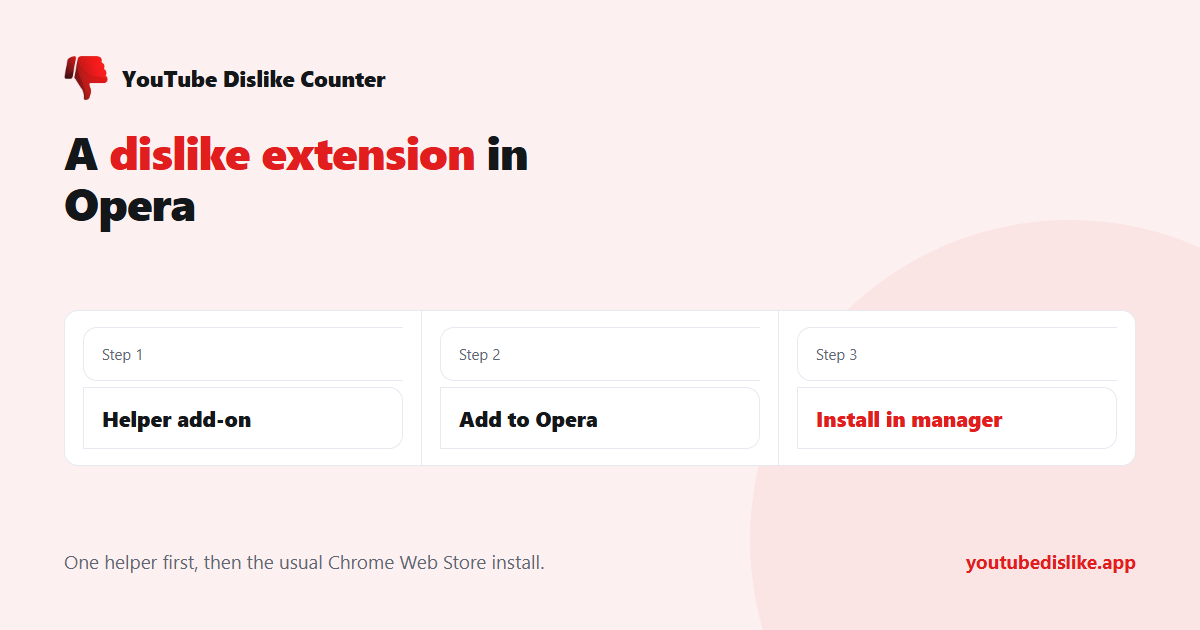
How to install a dislike extension in Opera
- Open the Opera add-ons store and install Install Chrome Extensions.
- Go to the dislike extension’s page on the Chrome Web Store.
- Click Add to Opera and follow the prompts.
- Opera opens its extensions manager. Click Install there to finish.
- Reload any YouTube tab that was open before you started.
This route is described step by step in Opera’s own help pages, which is reassuring: it is the supported method, not a hack. The fourth step catches people out, because the Chrome Web Store page looks finished while the extension is still waiting in Opera’s manager.
Opera, Brave and Chrome side by side
| Chrome | Brave | Opera | |
|---|---|---|---|
| Installs from the Chrome Web Store | Directly | Directly | After the helper add-on |
| Extra confirmation | No | No | Install in the extensions manager |
| Private windows | Off until allowed | Off until allowed | Off until allowed |
| Extensions on Android | No | No | No |
Finding and managing the extension
The extensions page opens with Ctrl+Shift+E on Windows and Linux, or Cmd+Shift+E on a Mac. From there you can switch the counter off and on, remove it, or open its details. Extensions installed this way keep updating from the Chrome Web Store, so a fix published there reaches Opera on the same schedule as Chrome.
The details page is also where you can check which version you are running. Compare it with the version on the Chrome Web Store listing: if they match, you are up to date and any problem lies elsewhere; if yours is older, restarting Opera usually pulls in the update.
Private windows and Opera GX
Like every Chromium browser, Opera keeps extensions out of private windows until you allow them. Open the extensions page, find the counter and tick the option that lets it run in private mode. Opera GX is built on the same engine and the same add-ons system, so the whole route above applies to it unchanged.
When the number still does not appear
- Old tab: reload it. This is the most common cause in every browser.
- Two counters: if you tried several dislike extensions, keep only one. They fight over the same button.
- No data: brand-new videos and many Shorts have too few votes for a figure. Try an older video.
The full checklist is in our guide for when a dislike counter is not working, and the browser differences beyond Opera are in one extension, three browsers. Brave owners can skip the helper altogether, as our Brave install guide shows.
Our own YouTube dislike counter installs into Opera through exactly this route and shows the number on regular videos and Shorts.
Frequently asked questions
Is the helper add-on safe?
It is published by Opera in its own store and is the method Opera’s help pages recommend.
Does Opera on Android support extensions?
No. On a phone, paste the video link into the dislike checker instead.
Do I have to repeat this after every update?
No. Once a dislike extension in Opera is installed, it updates on its own.
+ Chrome + Edge + Firefox YouTube Dislike Checker →
YouTube is a trademark of Google LLC. This website and the extension are independent projects and are not affiliated with, endorsed by, or sponsored by Google LLC or YouTube. The trademark is used only to describe compatibility.