 YouTube Dislike Counter
 Running Two Dislike Extensions at Once
It seems reasonable: if one dislike counter is good, two should be better — a second opinion on every video. In practice, running two dislike extensions at once makes the number less reliable, not more, and it is one of the most common reasons a dislike counter stops working entirely.
What actually happens
Both extensions are trying to write into the same place: YouTube’s like/dislike button row. Neither knows the other is there. Whichever runs second overwrites, appends to, or trips over the first one’s work.
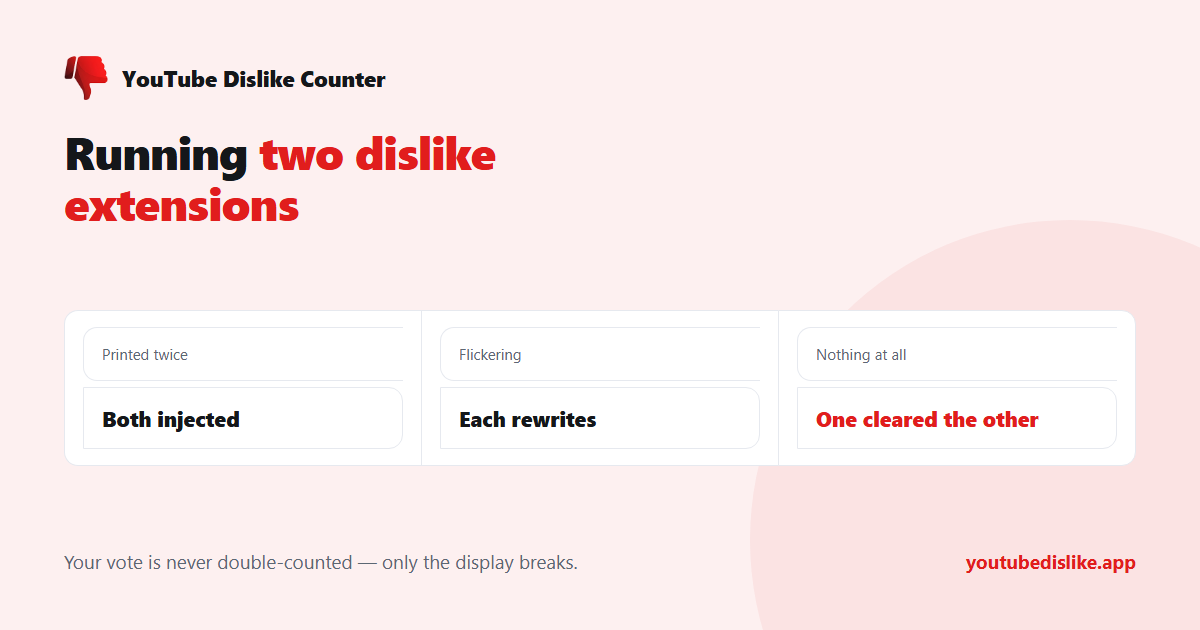
| What you see | What is happening |
|---|---|
| The number printed twice | Both injected; neither cleaned up |
| The number flickers | Each rewrites on YouTube’s page updates |
| No number at all | One cleared the other’s element |
| Two different numbers | Different estimates, both rendered |
That last row is worth sitting with. Two tools showing different figures is not a bug in either — they use different archives and different scaling. But seeing both at once tells you nothing useful; it just makes it obvious that neither is exact.
Why votes are not doubled
A common worry: if two extensions both report my vote, does it get counted twice? No. Your dislike registers once with YouTube, in YouTube’s own ledger, regardless of what is installed. What extensions report is a separate signal used to build public estimates, and each service keeps its own tally — they do not add up into a single inflated number.
So there is no harm to the data. The harm is entirely to your own display.
How to fix it
- Open your browser’s extensions page —
chrome://extensions,edge://extensions, or the Firefox add-ons manager. - Look for more than one entry mentioning dislikes.
- Disable all but one. Disabling is enough; you do not have to uninstall.
- Reload any YouTube tab that was already open — the old script keeps running until you do.
If you are not sure which to keep, keep the one whose display you prefer. The underlying estimates are close on any video with a decent number of archived votes.
If you want to compare two sources anyway
There is a cleaner way than installing both: keep one YouTube dislike extension for everyday browsing, and use a web checker when you want a second reading. Our dislike checker takes a link and returns a count and ratio without touching the page, so nothing competes for the button row.
Why the numbers differ in the first place
If you have seen two tools disagree, the gap is not evidence that one is broken. Every public dislike figure is rebuilt from two ingredients — how a dislike counter gets its number goes through them — and services differ on both:
- The archive. Different projects started collecting public counts at different times and captured different subsets of YouTube.
- The scaling. Only a fraction of viewers run an extension, so raw votes are scaled up. The multiplier is an estimate, and reasonable people land on different ones.
On a large, old video the two effects mostly cancel out and the figures land close together. On a new or small video there is little to anchor either estimate, which is exactly where you will see them diverge most — the same pattern described in how accurate YouTube dislike counts are.
How many extensions is too many, generally
Beyond the dislike-counter conflict, there is a broader point worth making. Every extension you install runs code on the pages you visit, and most people accumulate them without ever removing any. A short list is faster, more private, and easier to diagnose when something breaks.
A reasonable habit: once a month, open the extensions page and disable anything you have not consciously used. If nothing changes in a week, uninstall it.
Frequently asked questions
Is it dangerous to have two installed?
Not dangerous — just unreliable. Every extension you leave installed is also more code with access to the pages you visit, which is its own reason to keep the list short.
Which one should I keep?
Whichever you like using. If one keeps breaking when YouTube changes its layout, that is a fair reason to prefer the other.
Why does the count come back after disabling one?
Because the conflict is gone. If it does not come back immediately, reload the tab.
Do I need to restart the browser?
No — reloading the YouTube tab is enough.
In short: two dislike extensions do not give you a better number, they give you a fragile one. Keep one, disable the rest, reload the tab, and use a web checker on the rare occasion you want to compare.
+ Chrome + Edge + Firefox YouTube Dislike Checker →
YouTube is a trademark of Google LLC. This website and the extension are independent projects and are not affiliated with, endorsed by, or sponsored by Google LLC or YouTube. The trademark is used only to describe compatibility.