 YouTube Dislike Counter
Dislike Extension in Brave: Install It and Fix It
Brave is built on the same Chromium engine as Chrome, so it can run almost every Chrome extension, and a dislike counter is no exception. Installing a dislike extension in Brave takes about a minute. The few things that behave differently are all Brave features, mainly private windows and Shields, and each has a simple answer.
Can Brave use Chrome Web Store extensions?
Yes. Brave’s own help centre says it supports nearly all extensions that are compatible with Chromium, and it installs them straight from the Chrome Web Store. There is no separate Brave store to search and no workaround to install first. Brave even shows up in our own error reports as one of the browsers people run our counter in.
How to install a dislike extension in Brave
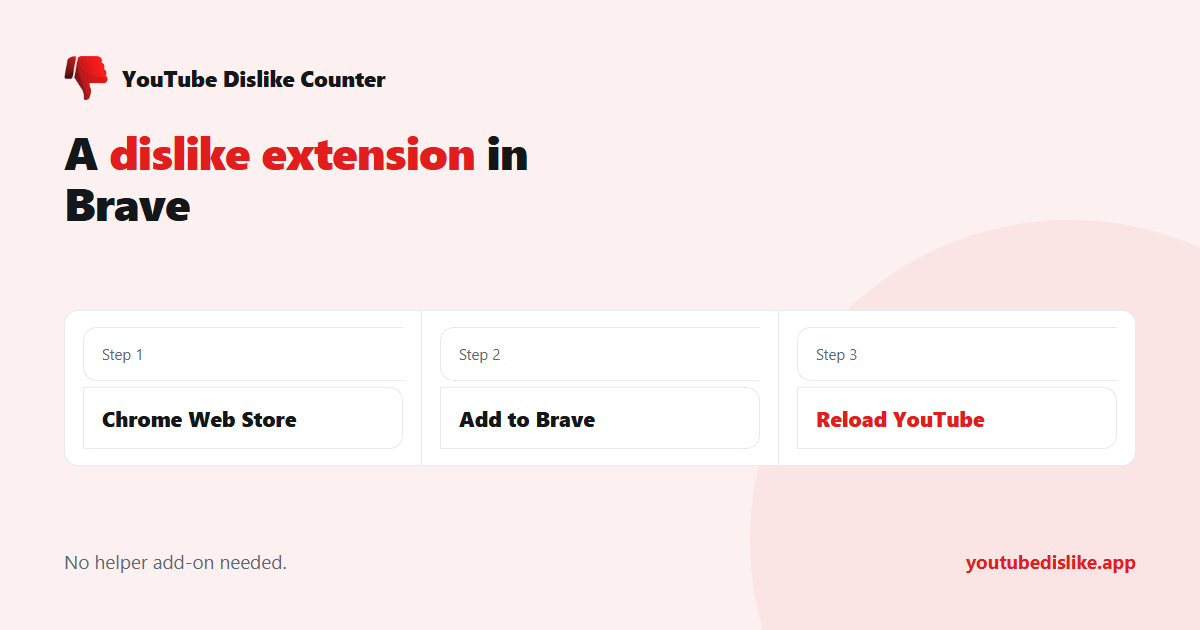
- Open the extension’s page on the Chrome Web Store in Brave.
- Click Add to Brave at the top right.
- Read the permission prompt. A dislike counter should only ask to read and change data on youtube.com.
- Confirm, then reload any YouTube tab that was already open.
The last step matters more than it looks. A tab opened before the install keeps running the old page code, so the count appears only after a reload. Every tab you open afterwards is fine.
Brave compared with Chrome
| Chrome | Brave | |
|---|---|---|
| Where extensions come from | Chrome Web Store | Chrome Web Store |
| Install button | Add to Chrome | Add to Brave |
| Private windows | Off until you allow it | Off until you allow it |
| Built-in blocking | None | Shields, on by default |
| Extensions on Android and iPhone | No | No |
Making it work in private windows
Brave keeps extensions out of private windows by default, exactly like Chrome. Open the menu, choose Extensions, click Details on the counter, and switch on the option that lets it run in private windows. Private windows with Tor are stricter still, so if the count is missing there, test in an ordinary private window first.
What about Shields?
Shields block ads and trackers on the pages you visit. A dislike counter is neither, and in normal use the two get along. If the number is missing on YouTube and every other fix has failed, lower Shields for youtube.com as a test, using the lion icon in the address bar, and reload. If the count appears, a Shields setting was in the way, and you can decide whether to keep it lowered for that one site.
Running a second dislike extension is a far more common culprit than Shields, and the effect is the same: no number at all. Our explanation of two dislike extensions at once shows why.
Brave on your phone
Brave for Android and iPhone does not run desktop extensions. On a phone, copy the video link and paste it into the dislike checker in Brave’s mobile browser; it takes a few seconds and needs no install. Other routes are covered in how to see dislikes on YouTube mobile.
On the desktop, our YouTube dislike extension installs into Brave the same way it does into Chrome, and works on regular videos and Shorts.
Frequently asked questions
Is a Chrome extension safe to use in Brave?
It is the same code with the same permissions. Brave adds nothing and removes nothing, so check the permissions the way you would in Chrome.
Do I need to install anything before the extension?
No. Unlike Opera, Brave needs no helper add-on.
Why does the count vanish after an update?
Open tabs keep the old version until you reload them.
Does it slow Brave down?
No. A dislike extension in Brave makes one small request per video and writes a single number into the page.
+ Chrome + Edge + Firefox YouTube Dislike Checker →
YouTube is a trademark of Google LLC. This website and the extension are independent projects and are not affiliated with, endorsed by, or sponsored by Google LLC or YouTube. The trademark is used only to describe compatibility.