 YouTube Dislike Counter
Return YouTube Dislike Not Working? How to Fix It
Return YouTube Dislike is the best-known dislike extension, and when it stops showing a number the cause is almost never the extension being “broken” for everyone. If you are dealing with Return YouTube Dislike not working, the fix is usually one of a short list of local causes. Work through them in the order below, because that is roughly how often each one turns out to be the answer.
A note before we start: Return YouTube Dislike is an independent open-source project. We make a different extension and are not affiliated with it, but both rely on the same public archive, so the same problems hit both.
First, is it the video or the extension?
Open a well-known older video, such as a music video from before 2020. If the count appears there, the extension works and your original video simply has little or no data. If it is blank everywhere, keep reading.
You can also ask the archive directly. Open https://returnyoutubedislikeapi.com/votes?videoId= followed by the video ID, the eleven characters after v= in the address. A block of text with a dislikes value means the service is up and has a figure. An error page means the problem is upstream, not in your browser.
Return YouTube Dislike not working: the usual causes
| Symptom | Most likely cause | Fix |
|---|---|---|
| Blank right after installing or updating | The tab was open before the change | Reload the tab |
| Works in normal windows, not in private ones | Extensions are off in private mode | Allow it in the extension’s details page |
| No number at all, or the wrong one flashing | A second dislike extension is installed | Keep only one |
| Number appears but never changes | The archive caches figures | Wait; nothing to fix |
| Blank on brand-new videos and Shorts | Too few votes recorded yet | Check again in a few days |
The fixes, one by one
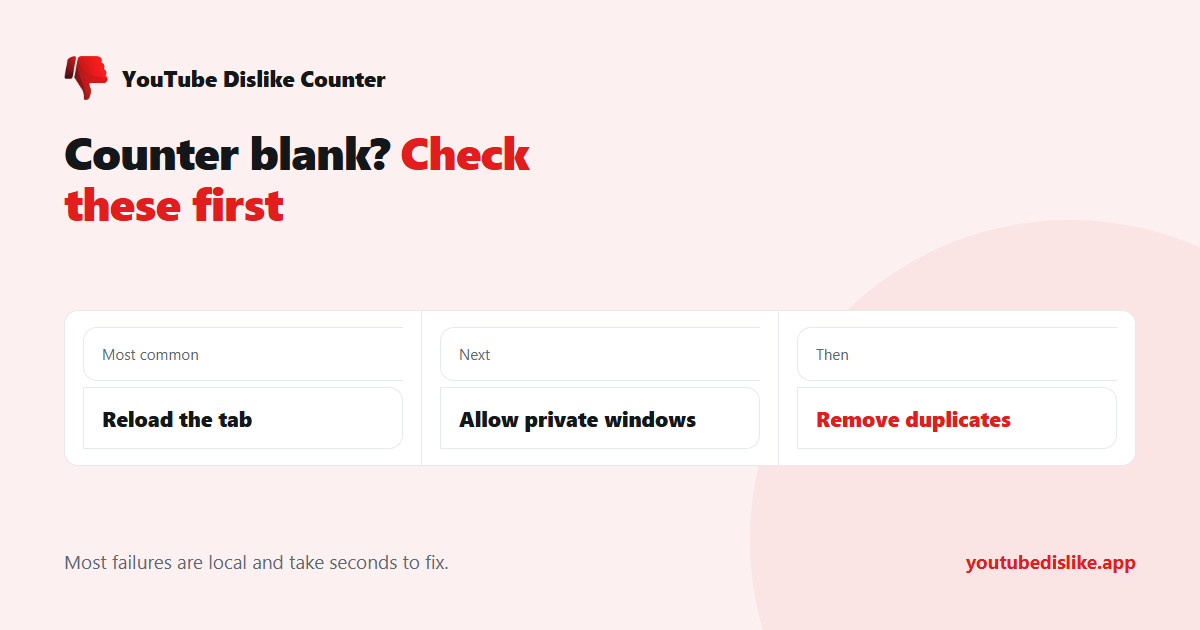
- Reload the YouTube tab. A tab opened before the extension was installed or updated keeps running the old page. Reloading is the most common fix of all.
- Allow it in private windows. Chrome, Edge, Brave and Opera keep extensions out of private windows until you switch them on, one extension at a time.
- Remove duplicate dislike extensions. Two extensions writing to the same button fight, and usually neither number survives. We explain why in two dislike extensions at once.
- Turn off strict filters as a test. A privacy extension or network filter that blocks unfamiliar domains can stop the request for the count. Pause it for YouTube and reload.
- Update the browser and the extension. YouTube changes its page layout often, and a fix only reaches you once the update does.
Why does the count not update?
This one is not a fault. According to the project’s own FAQ, figures are cached and refreshed roughly every two to three days. Watch the same video twice in an afternoon and you will see the same number, however many people voted in between.
When the layout changes
Every few months YouTube reshapes the like and dislike buttons. For a day or two after such a change, a counter can fail to find the right spot and show nothing, even though the archive still answers. You cannot fix this yourself; the extension needs an update. The project’s issue tracker is where such breakages are reported first, so a quick look there tells you whether you are alone.
Trying a different counter
If you would rather switch, our YouTube dislike extension reads the same archive and adds its own users’ votes on top. Remove the old extension first rather than running both. For a single video, the dislike checker gives you the figure without installing anything, and our general guide for when a dislike counter is not working covers the rest.
Frequently asked questions
Is the service down for everyone?
Rarely. Test the archive address above; if it returns a figure, the problem is in your browser.
Why does it show a different number from another counter?
Each counter adds its own users’ votes and caches on its own schedule, so small differences are normal.
Can I make it work on my phone?
Not on most mobile browsers. Paste the link into a web checker instead.
What if nothing on this list helps?
Check the issue tracker for a recent layout change. If Return YouTube Dislike not working is a problem for everyone, an update is the only fix.
+ Chrome + Edge + Firefox YouTube Dislike Checker →
YouTube is a trademark of Google LLC. This website and the extension are independent projects and are not affiliated with, endorsed by, or sponsored by Google LLC or YouTube. The trademark is used only to describe compatibility.