 YouTube Dislike Counter
 YouTube Dislikes on Shorts: How It Works
Shorts behave like a separate product inside YouTube, with their own player, their own layout and their own quirks. YouTube dislikes on Shorts work the same way underneath, but everything around them is different enough to be worth its own explanation.
The vote itself is identical
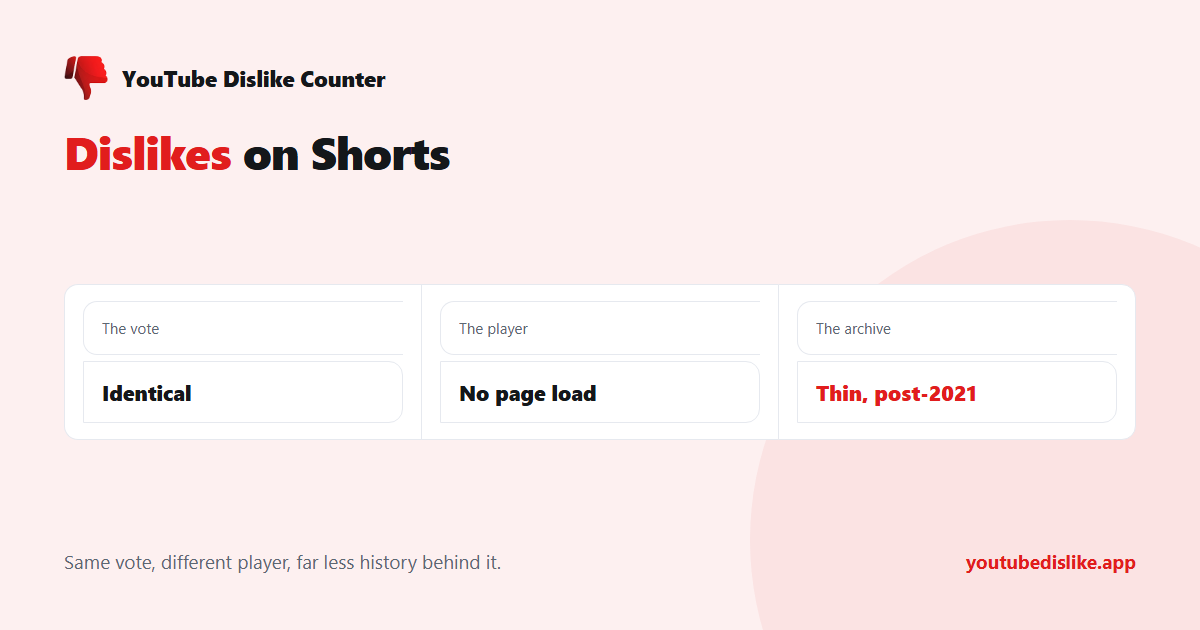
A Short has the same thumbs-up and thumbs-down as a regular video, stacked vertically down the right edge instead of sitting in a row beneath the player. Pressing dislike does exactly what it does anywhere else: your vote reaches the uploader’s analytics, and no public total is shown to anyone.
Where Shorts differ
| Regular video | Short | |
|---|---|---|
| Button position | Row beneath the player | Vertical column on the right |
| Page navigation | New page load per video | Endless scroll, no page load |
| Counter must handle | One video at a time | A new video every few seconds |
| Archive coverage | Good — most predate 2021 | Thin — Shorts launched in 2020 |
Why some counters break on Shorts
Scrolling a Short does not load a new page. The address bar changes and the video swaps, but the browser never navigates, so an extension that only acts on page load will show the first Short’s number and then sit there being wrong for every Short after it.
Handling this properly means watching for the video changing underneath, not for the page changing. That is the single most common reason an older dislike extension appears to work on normal videos and fails on Shorts — and why our YouTube dislike counter tracks the player rather than the page load.
The archive problem
There is a second, more fundamental limit that no amount of good engineering fixes. Shorts launched in 2020 and became popular after that, which means most Shorts were published after YouTube hid the public count. There is no archived public total to fall back on for them.
So for Shorts, figures lean much more heavily on estimates from sampled votes than they do for older long-form videos. Expect a blank result more often, and treat the numbers you do get as broader approximations — the same trade-off described in are YouTube dislike counts accurate? A blank is the honest answer when there is no data — showing a confident zero would be worse.
What to do when a Short shows nothing
A blank on a Short is far more often a data gap than a bug, which is the opposite of what people assume. Work through it in this order:
- Check a well-known older video first. If a video from 2015 shows its count correctly, the extension is working and the Short simply has no data.
- Scroll away and back. If the number appears for the first Short and never again, the extension is not tracking the player properly — that is a real fault, and reloading confirms it.
- Check for a second dislike extension. Two of them writing to the same element is the most common cause of neither number appearing (why two dislike extensions conflict).
- Accept the gap. For a Short posted last week by a small channel, there is genuinely nothing to show, and no tool will do better.
Ratios read differently on Shorts
Even when a figure exists, be more careful with the like-to-dislike ratio than you would on a long video. Shorts are served by autoplay to enormous, largely uninterested audiences, so both likes and dislikes arrive from people who did not choose the video. The result is that Shorts ratios tend to look harsher than the content deserves, and small absolute numbers swing the percentage wildly. A long-form video with a 70% ratio is in trouble; a Short with the same ratio may just have been pushed to the wrong feed.
Checking one Short without an extension
Copy the Short’s link — Share then Copy link in the app — and paste it into the dislike checker. It accepts /shorts/ addresses directly, so there is no need to convert them into a normal watch URL first. On a phone this is the simplest route, since the YouTube app cannot run extensions.
Frequently asked questions
Do dislikes on Shorts count the same?
Yes. Same vote, same private total in the creator’s analytics.
Why does the count disappear when I scroll to the next Short?
An extension that reacts only to page loads cannot keep up with the scroll. Reload and check whether a second dislike extension is also installed — two of them fighting over the same spot is the other common cause.
Why are so many Shorts blank?
Because most were published after the count was hidden, so there is no archived figure for them.
Can I see dislikes on my own Shorts?
Yes, in YouTube Studio, exactly as with any other video you uploaded.
+ Chrome + Edge + Firefox YouTube Dislike Checker →
YouTube is a trademark of Google LLC. This website and the extension are independent projects and are not affiliated with, endorsed by, or sponsored by Google LLC or YouTube. The trademark is used only to describe compatibility.