 YouTube Dislike Counter
 How to Dislike a YouTube Video
Knowing how to dislike a YouTube video is the easy part — the button is still there. The interesting question is what happens to the vote afterwards, now that nobody but the uploader can see the total.
Pressing the button
On desktop, the thumbs-down sits immediately right of the like button, under the video. On the mobile app it is in the same row of actions beneath the title. On a Short, both buttons run vertically down the right edge of the screen.
You need to be signed in. Press it once to dislike, press it again to undo. There is no confirmation and no visible total — the button simply fills in to show your vote registered.
Where your vote actually goes
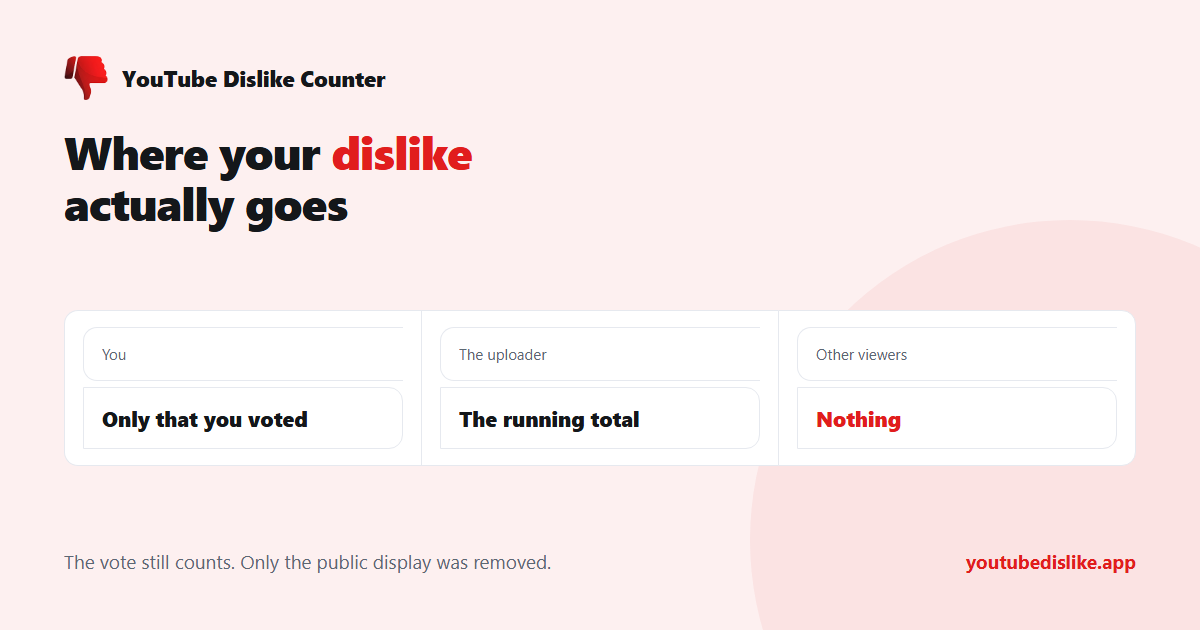
| Who | Sees your dislike? |
|---|---|
| You | Only that you voted, not the total |
| The uploader | Yes — the running total in YouTube Studio |
| Other viewers | No, not since November 2021 |
| Anyone, by name | Never — individual votes have never been public |
Does disliking still do anything?
Yes, in two ways that are easy to miss.
It reaches the creator. Dislikes remain in YouTube Studio analytics — creators still see the exact figure — so an uploader watching their numbers can still tell a video landed badly — the feedback loop was not cut, only made private.
It feeds your own recommendations. A dislike is one of the signals YouTube uses to decide what to put in front of you next. It is weaker than “Not interested” or “Don’t recommend channel”, which are the blunter instruments if what you want is less of something. Do dislikes still affect YouTube videos? goes through each effect.
What it no longer does is warn the next viewer. That was the function people actually miss — a fast, language-independent signal that a tutorial does not work or a download is not safe. Recovering that signal is the entire reason a YouTube dislike counter exists.
Disliking versus the alternatives
- Dislike — tells the creator, mildly adjusts your recommendations, tells nobody else.
- Not interested — tells YouTube to show you less like this, tells the creator nothing.
- Don’t recommend channel — the strongest of the three for cleaning up your feed.
- Report — for content that breaks the rules, not content you dislike. Using it as a stronger dislike does not work and wastes review time.
What happens to your vote later
Votes are not frozen at the moment you cast them, which surprises people who expect a dislike to be permanent.
- You change your mind. Pressing the button again removes the vote, and the uploader’s total drops by one. Nothing records that you ever voted.
- The video is edited. Trimming or replacing the content does not reset votes — the video keeps its identity, and every dislike cast against the old version carries over.
- The video is re-uploaded. A genuinely new upload is a new video with a new ID and zero votes. This is why a channel re-posting a corrected version starts from nothing.
- The video is made private or deleted. The totals go with it. External counters that archived the figure beforehand may still hold a copy, but there is nothing live to read.
- Your account is deleted. The vote goes too.
Can other people see that you disliked something?
No. YouTube has never published who voted which way, and no tool can retrieve it, because the data was never made available in the first place. Only aggregate totals were ever shown. If a site claims it can name the people who disliked a video, it is either guessing or lying, and it will usually want your account to prove it — more on that in can you see who disliked a YouTube video?
Frequently asked questions
Can I dislike a video without signing in?
No. The vote is tied to an account, which is how duplicate voting is limited.
Does undoing a dislike remove it from the creator’s total?
Yes. The total the uploader sees reflects current votes, not every vote ever cast.
Do dislikes get a video taken down?
No. Dislikes are not a moderation signal; only reports and policy reviews affect whether a video stays up.
How do I see the total for a video?
Not through YouTube. Use a counter — either the extension, or paste the link into the dislike checker.
+ Chrome + Edge + Firefox YouTube Dislike Checker →
YouTube is a trademark of Google LLC. This website and the extension are independent projects and are not affiliated with, endorsed by, or sponsored by Google LLC or YouTube. The trademark is used only to describe compatibility.