 YouTube Dislike Counter
 Can Creators See Their Own Dislikes?
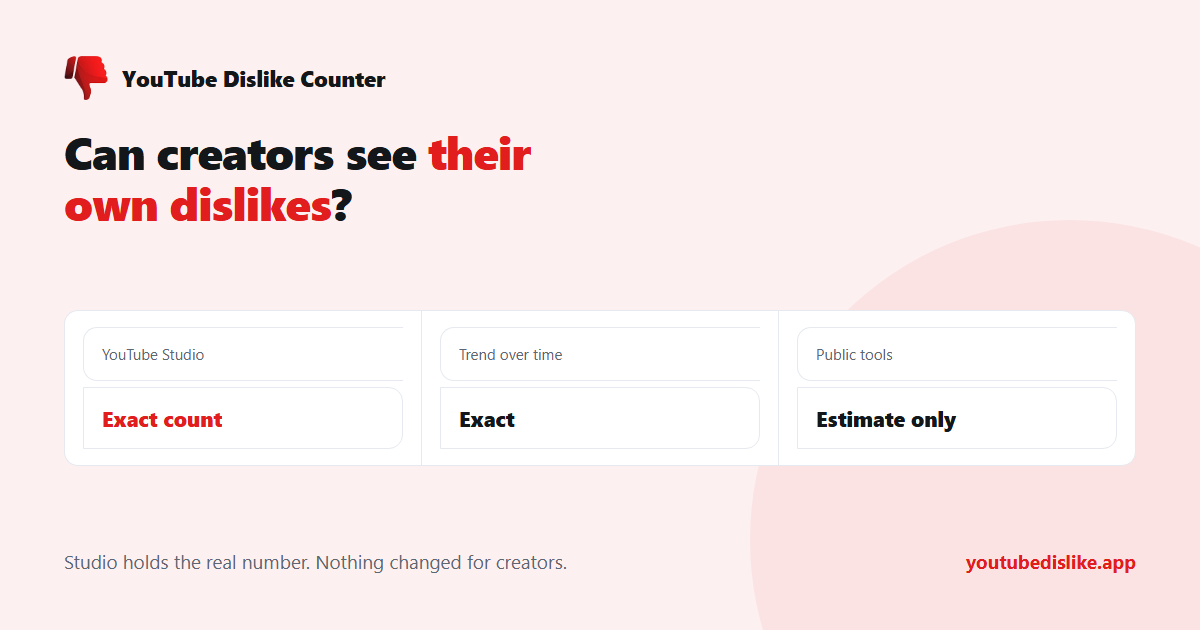
Yes — and this is the one place an exact figure still exists. If you upload to YouTube and want to know whether creators can see their own dislikes, the answer is that nothing changed for you in November 2021. The number was only hidden from viewers.
Where to find your real dislike count
Open YouTube Studio, go to Analytics, then Engagement. Dislikes are reported there per video and across your channel, as the true count recorded by YouTube — not an estimate reconstructed from an archive.
You can also open a single video’s analytics from the Content list and see its likes and dislikes side by side, along with how they accumulated over time.
| Where | What you get | Exact? |
|---|---|---|
| YouTube Studio, your own video | Real like and dislike counts | Yes |
| Studio trend view | Dislikes over time | Yes |
| A public dislike tool, your video | Estimated count | No |
| Anywhere, someone else’s video | Estimated count | No |
Why your Studio number differs from a public tool
If you check one of your own videos in a public checker and the figure does not match Studio, that is expected. The public number is rebuilt from an archive of counts collected before they went private, plus votes from people running extensions today. Your Studio number is the ledger itself.
Trust Studio. Use public tools — a YouTube dislike extension or a checker — for other people’s videos, where Studio is not available to you.
Reading a dislike spike sensibly
The trend line is more useful than the total. A few things worth checking when dislikes jump:
- Shape. A vertical spike over a few hours looks like a co-ordinated push. A steady climb looks like genuine disagreement.
- Traffic sources. If the spike lines up with an external referrer, the video was probably linked somewhere hostile.
- Retention. If viewers are leaving at a specific timestamp, the dislikes may be about that moment rather than the video as a whole.
What you will not get, at any level of access, is a list of who disliked the video. YouTube has never made vote identities available to anyone, including the uploader.
Comparing dislikes across your own catalogue
The most useful thing Studio gives you is not a single video’s number — it is the ability to compare. Sort your videos by like-to-dislike ratio rather than by dislike count and the picture usually changes completely: the video with the most dislikes is often just the one with the most views.
| Compare | What it tells you |
|---|---|
| Ratio across your catalogue | Which formats your audience actually dislikes |
| Ratio before and after a change | Whether a new intro, length or style cost you goodwill |
| Dislikes against retention | Whether people disliked the topic or a specific moment |
A single video’s dislikes are noise. A pattern across ten of them is information.
What to do about a video with unusual dislikes
- Do not delete it. You lose the watch time, the comments and any links pointing at it, and the ratio stops mattering within weeks anyway.
- Do not buy likes. It is against YouTube’s terms and the pattern is detectable.
- Do read the comments. On a genuinely contested video the reason is nearly always stated there, repeatedly.
Does the dislike count affect your reach?
YouTube has said dislikes were never a significant ranking factor. Watch time, satisfaction signals and click-through matter far more. A video with an unusual dislike ratio is worth understanding for what it says about the audience, not because a threshold is about to be tripped. More in do dislikes still affect YouTube videos?
Frequently asked questions
Can I hide dislikes on my own videos?
They are already hidden from viewers everywhere. There is no separate setting, and no way to hide them from yourself in Studio.
Do dislikes from extension users count?
A dislike pressed on YouTube counts in YouTube’s ledger regardless of what extensions the viewer has. Extension vote reporting is a separate, additional thing that only affects public estimates.
Why does a public tool show more dislikes than Studio?
Estimates can overshoot as well as undershoot, especially on videos with few archived votes. Studio is the correct number.
Can I see dislikes on a video I did not upload?
Only as an estimate. Paste the link into our dislike checker for a figure and the like/dislike ratio.
To close the loop: creators can see their own dislikes exactly, in YouTube Studio, and that has been true throughout. The 2021 change removed the public display, not the creator’s own view — which is why your Studio figure and any public estimate will rarely agree to the digit.
+ Chrome + Edge + Firefox YouTube Dislike Checker →
YouTube is a trademark of Google LLC. This website and the extension are independent projects and are not affiliated with, endorsed by, or sponsored by Google LLC or YouTube. The trademark is used only to describe compatibility.