 YouTube Dislike Counter
How Do Dislike Extensions Work? Inside the Count
A dislike counter looks like magic the first time: YouTube hides the number, you install something, and the number is back. Nothing is being leaked, though. Once you see how dislike extensions work, the figure stops looking mysterious and starts looking like what it is, a well-founded estimate assembled from three sources.
Where does the number come from?
YouTube made dislike totals private in November 2021, as it explained on its official blog, and a month later its public API stopped returning them too. Since then no extension can read the real total from YouTube. What they read instead is built from:
- An archive of real dislike totals collected while YouTube still published them.
- Votes from extension users, recorded every time someone with a counter installed presses like or dislike.
- The public like count, which YouTube still shows and which anchors the estimate.
The best-known archive belongs to the Return YouTube Dislike project, and its FAQ spells out the method: for newer videos, the share of dislikes among users’ votes is applied to the public like count; for older ones, the archived total is blended in and fades in weight as it ages.
How dislike extensions work, step by step
| Step | What happens | What leaves your browser |
|---|---|---|
| 1. Detect | The extension reads the video ID from the address | Nothing |
| 2. Ask | It asks a server for that video’s figure | The video ID |
| 3. Answer | The server replies from its archive and estimate | Nothing more |
| 4. Show | The number is written next to the dislike button | Nothing |
| 5. Follow | It watches for the next video without a page load | Another video ID |
| 6. Vote | If you press dislike, the vote is reported | Video ID and the vote |
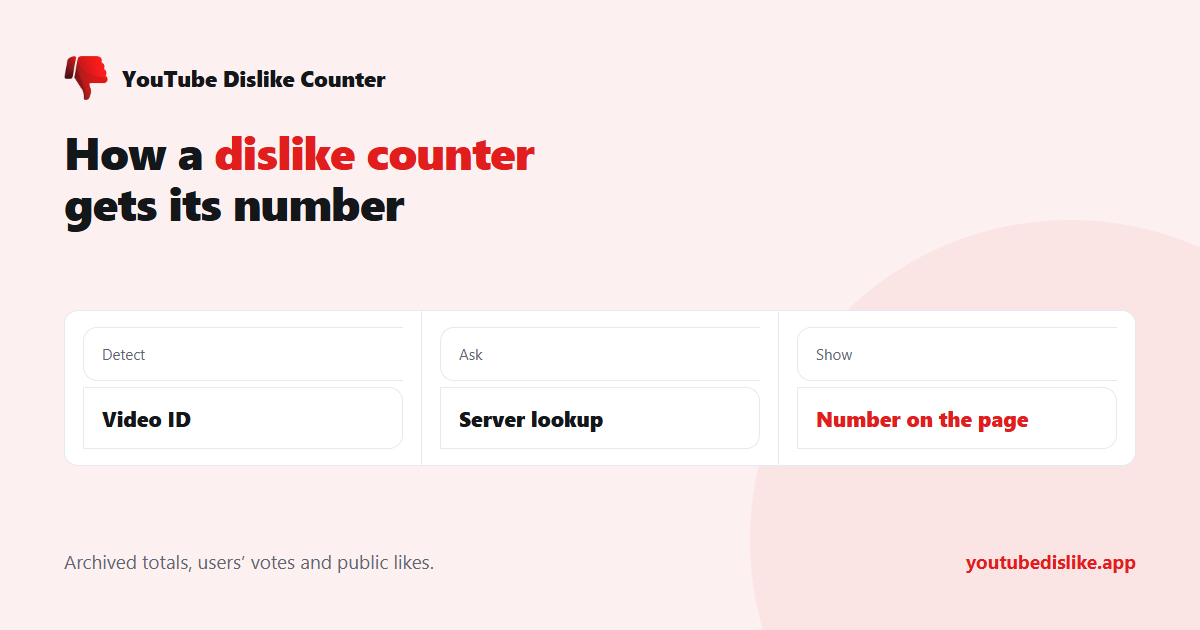
Step five is the hard part. YouTube rarely loads a fresh page; it swaps the video inside the same page, especially on Shorts. A counter that only reacts to page loads shows the first video’s number and then sits there being wrong, which is why we wrote a separate guide to dislikes on Shorts.
What our own counter does
The YouTube dislike counter we make follows the same pattern with two additions worth describing. Our server seeds each new video from the public archive, refreshes it hourly, and adds the votes our own users cast. On 11 November 2026 the archive gave 521,733 dislikes for Rick Astley’s Never Gonna Give You Up; our counter showed 521,735, the same base plus two of our users’ votes.
Second, the instructions for finding the dislike button on the page are not frozen into the extension. They are fetched from our server, so when YouTube redesigns its buttons we can fix the counter within hours instead of waiting days for a store review.
Why the figure is an estimate
Every counter is only as good as its sample. A ten-year-old music video has an archived total and hundreds of thousands of recorded votes behind it; a Short posted yesterday may have five. That is why a good counter shows nothing rather than an invented zero when there is no data, and why small, new videos deserve caution. The details are in are YouTube dislike counts accurate? and in our explainer on the raw like count.
Frequently asked questions
Do dislike extensions use my YouTube account?
No. They need no sign-in and cannot see your account, subscriptions or history.
Why do two counters show different numbers?
Each adds its own users’ votes and refreshes on its own schedule.
Does pressing dislike with an extension do anything extra?
Your vote still goes to YouTube as usual. The extension also reports it, which keeps the estimate current.
Can creators see the real total?
Yes, in YouTube Studio. That private figure is the one dislike extensions work hard to approximate.
+ Chrome + Edge + Firefox YouTube Dislike Checker →
YouTube is a trademark of Google LLC. This website and the extension are independent projects and are not affiliated with, endorsed by, or sponsored by Google LLC or YouTube. The trademark is used only to describe compatibility.