 YouTube Dislike Counter
Are Dislike Extensions Safe? What They Can See
Any extension that runs on a site you use every day deserves a second look, and dislike counters are popular enough to attract imitators. The good news is that a dislike counter has a very small job. What makes dislike extensions safe is how little they need, so it is easy to tell when one asks for more than that.
Are dislike extensions safe to install?
The well-known ones are, because the job itself needs so little access. To show a number, a counter has to read the YouTube page and ask a server for one video’s figure. It does not need your Google account, the other sites you visit, your passwords or your browsing history. An extension that asks for any of those is asking for something its stated purpose does not explain.
Reading the permission prompt
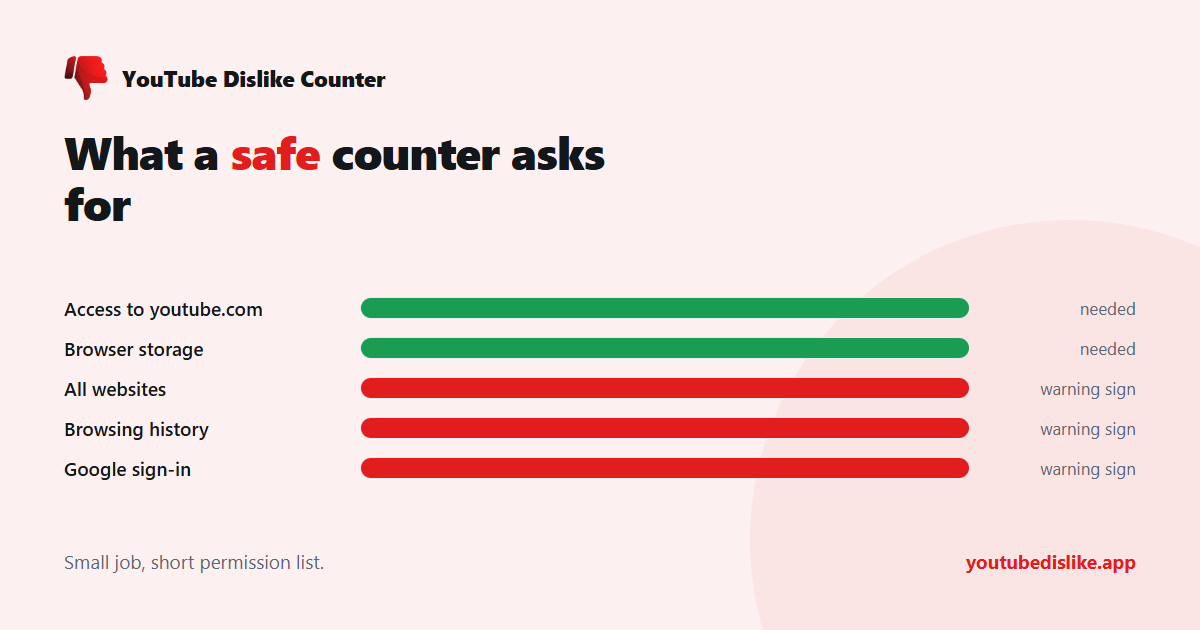
Chrome, Edge and Brave show the permissions before an extension installs. Here is what each common request means for a dislike counter:
| Permission shown | Needed by a dislike counter? |
|---|---|
| Read and change your data on youtube.com | Yes, to place the number on the page |
| Store data in the browser | Yes, for settings such as where the number appears |
| Read and change all your data on all websites | No, a warning sign |
| Read your browsing history | No, a warning sign |
| Sign in with your Google or YouTube account | No, a warning sign |
You can also narrow access after installing. In Chrome, open the extension’s Details page and set Site access to youtube.com only. Google’s guide to managing extensions shows where that setting lives.
What a counter sends, in practice
Our own extension is a fair example of the minimum. It runs only on youtube.com, asks for nothing beyond that, and stores just your display preference, a random installation identifier and whether a review prompt has been shown. To fetch a number it sends the video ID; when you vote it sends the video ID and whether the vote was added or removed. No name, no email, no account. Our privacy policy lists every request.
Return YouTube Dislike publishes a similar list in its security FAQ: the video ID and visible like count for lookups, plus a random ID when you vote. That two independent counters arrive at nearly the same minimum is a good sign the minimum is real.
Warning signs worth acting on
- A sudden new permission after an update. Chrome switches an extension off until you approve new permissions. If a counter suddenly wants every website, decline and uninstall.
- A change of owner. Popular extensions are sometimes sold. A new publisher name on the store page is a reason to re-read the permissions.
- Ads or redirects on unrelated sites. A counter has no reason to touch any page outside YouTube.
- A copycat name. Check the publisher, the number of users and recent reviews before installing.
Safe is not the same as accurate
A trustworthy counter still shows an estimate, built from archived totals and its users’ votes. That is a question of accuracy, not safety, and we cover it in are YouTube dislike counts accurate? If you want to see how the number is built, read how dislike extensions work.
Our YouTube dislike extension asks only for youtube.com and the lookup services behind the number, and you can remove it in one click.
Frequently asked questions
Can a dislike extension see who I am?
A well-behaved one cannot. It never asks you to sign in and has no access to your account.
Is it safer to use a web checker instead?
A web checker installs nothing at all, so it is the most cautious option for occasional use.
How do I check the permissions of one I already have?
Open the extensions page, click Details and read the permissions and site access. If everything stops at YouTube, you are looking at the kind of permissions that keep dislike extensions safe.
+ Chrome + Edge + Firefox YouTube Dislike Checker →
YouTube is a trademark of Google LLC. This website and the extension are independent projects and are not affiliated with, endorsed by, or sponsored by Google LLC or YouTube. The trademark is used only to describe compatibility.